The FPS meter for Android
How smooth is
your display?
You feel stutter, but you cannot see it. FPS Tachometer shows your frame rate live on a big gauge, with history, min, max, average and jitter.


- Free
- No account
- Works offline
Currently available for Android only.
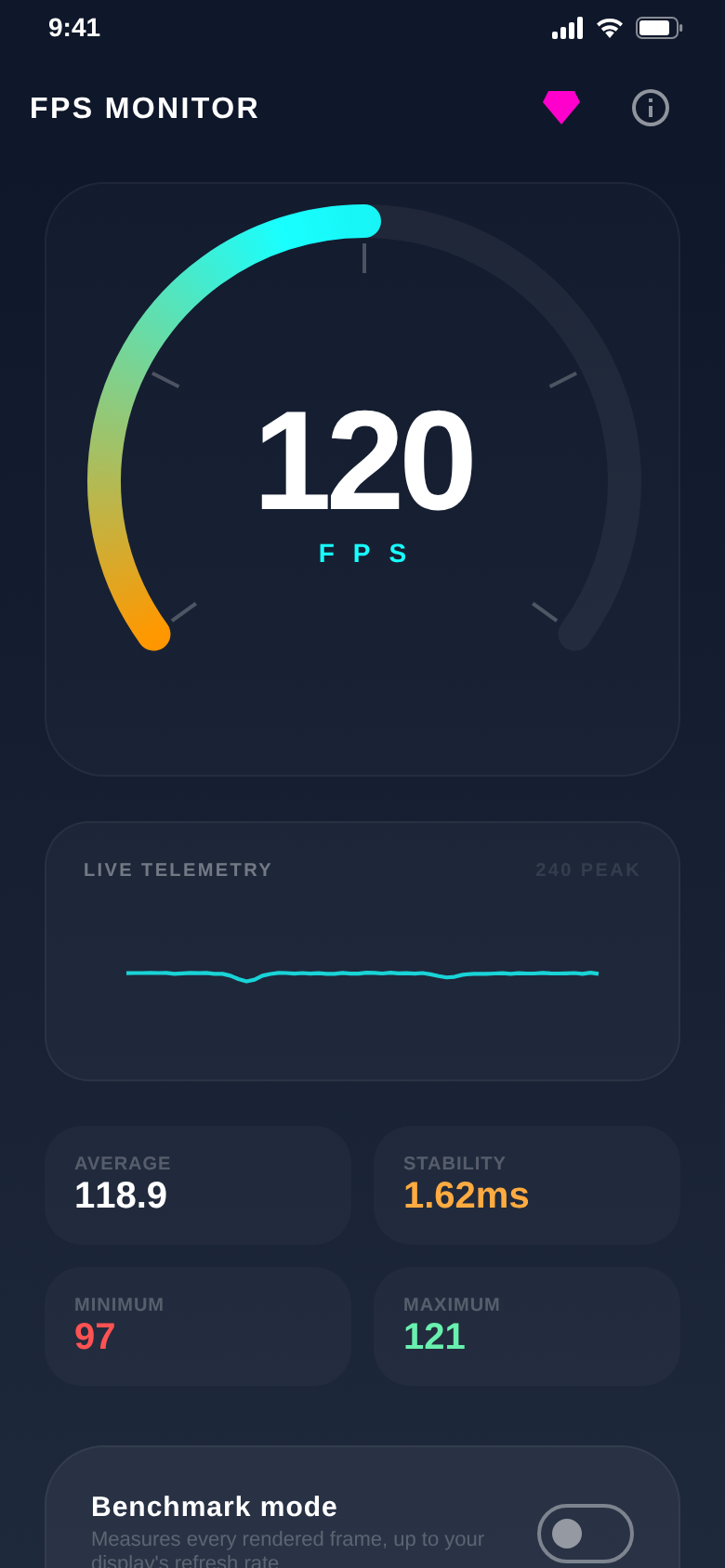
Live history
See every drop.
The gauge shows whether your screen runs at 60, 90 or 120 Hz. The history underneath shows the moment the frame rate dips.
Average, minimum, maximum and stability update live.
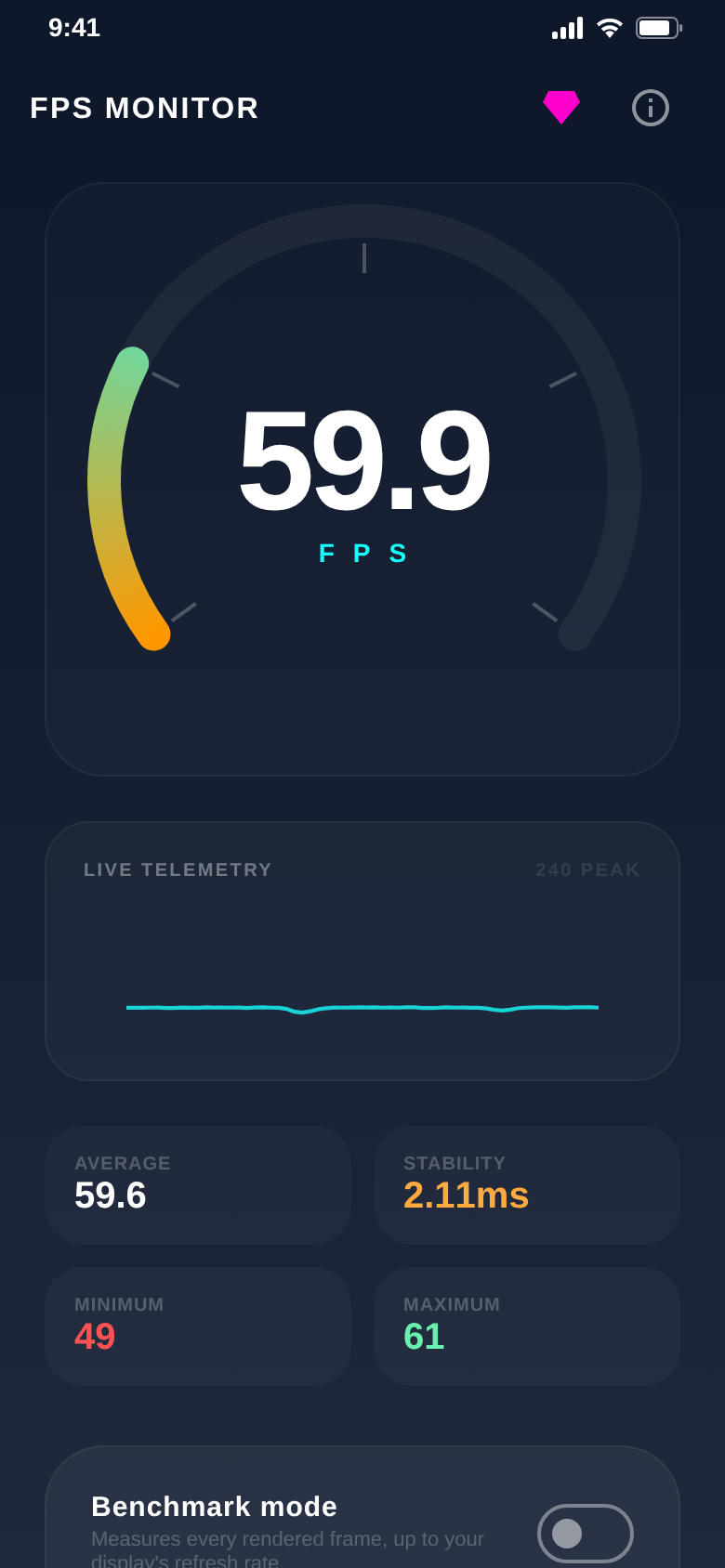
GPU stress test
Put your GPU under load.
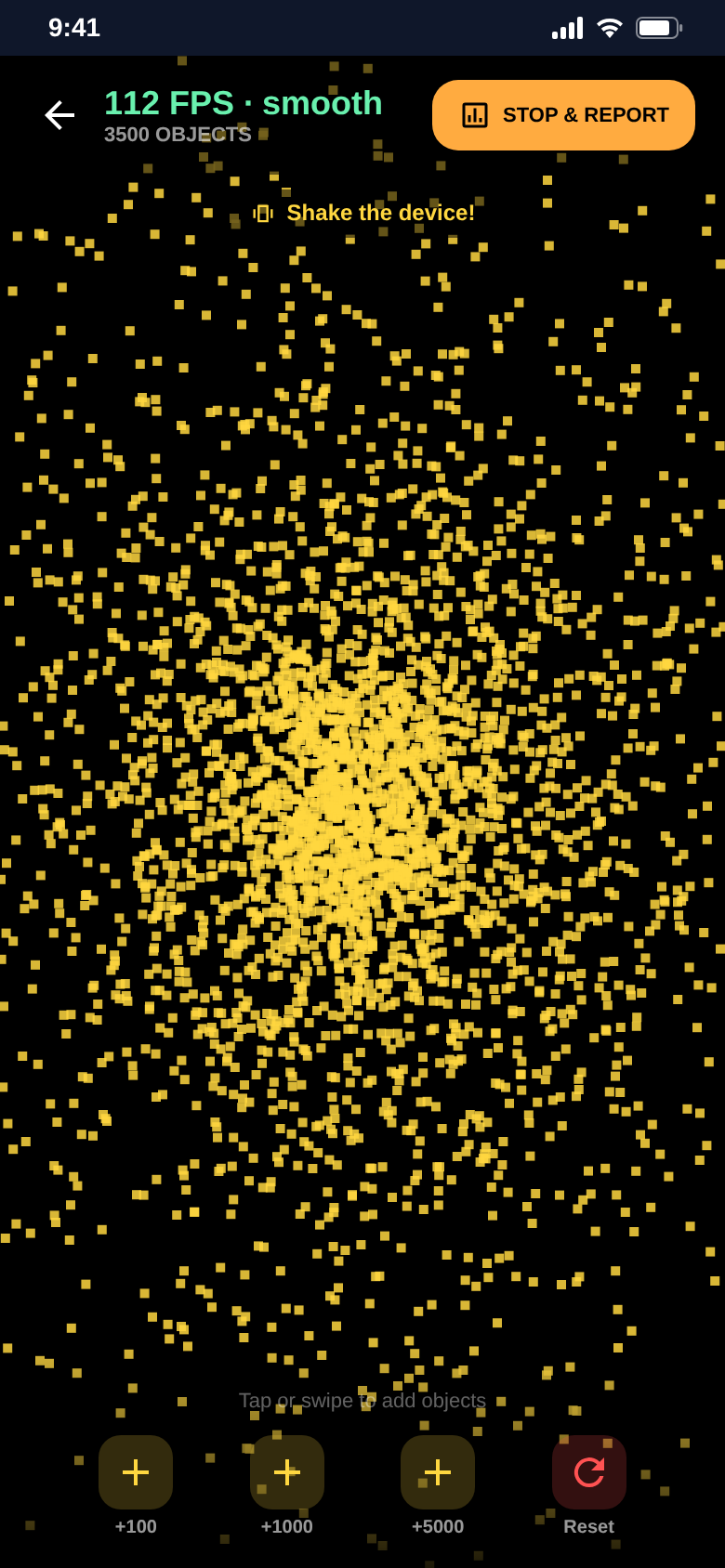
Thousands of animated particles create artificial load. Watch how far the frame rate falls.
Up to 5,000 objects, up to 30,000 with Pro.
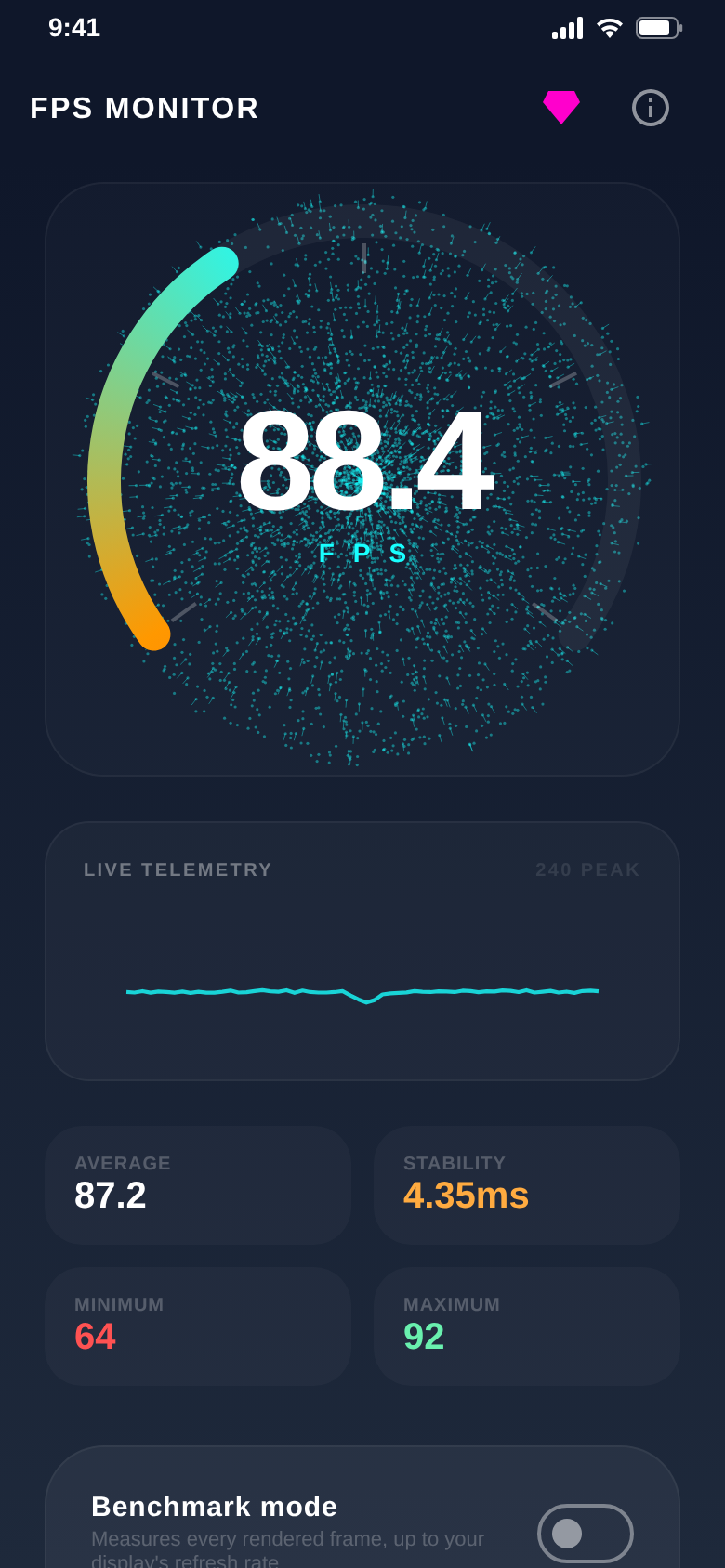
The average flatters.
Jitter doesn’t.
FPS Tachometer shows both, live and in milliseconds, so stutter cannot hide.
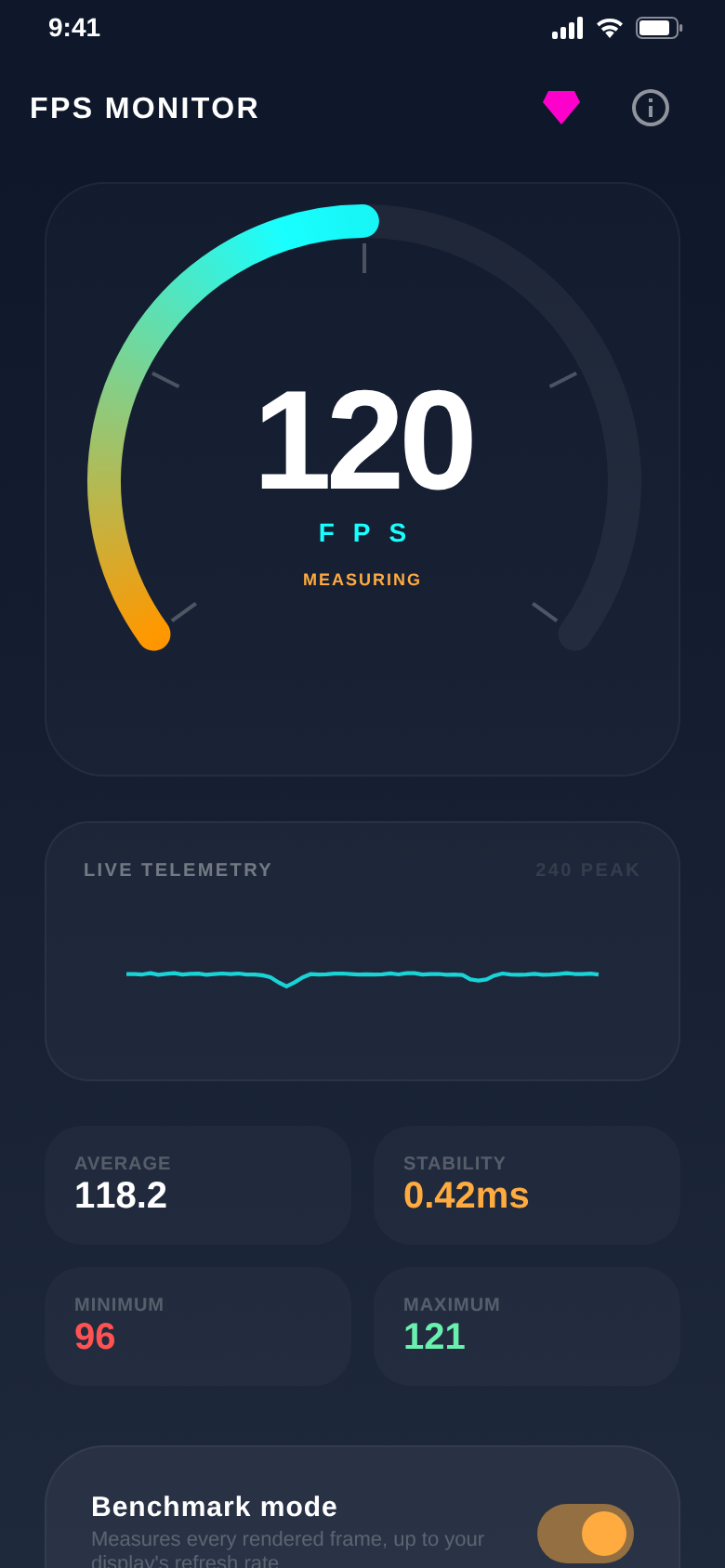
Benchmark mode
Up to your display’s limit.
Benchmark mode measures every frame the app actually draws, up to your display’s refresh rate. Add the stress test and see how well your phone holds that rate.
No made-up numbers: more FPS than your display shows cannot be measured.
Test report
Stop. Analyze. Compare.
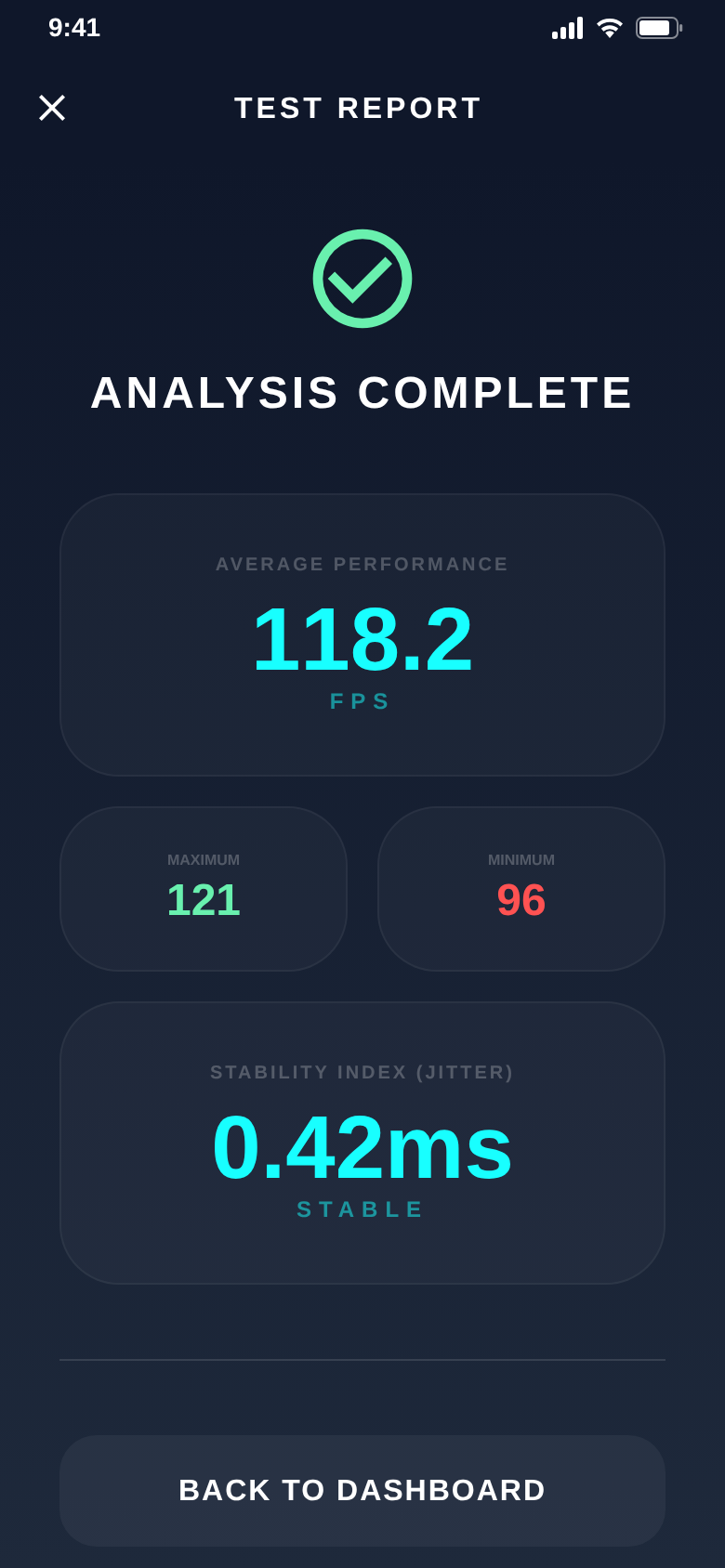
One tap ends the benchmark. The report sums up average performance, maximum, minimum and the stability index.
Jitter below 5 ms counts as stable.
Test scenes
Three ways to push your phone.
Classic bouncing particles, a swarm you scatter by shaking your phone, and gravity with real collisions. Tap or swipe to add objects.
Classic and Swarm are free. Gravity comes with Pro.
FPS vs. objects
Where does it start to stutter?
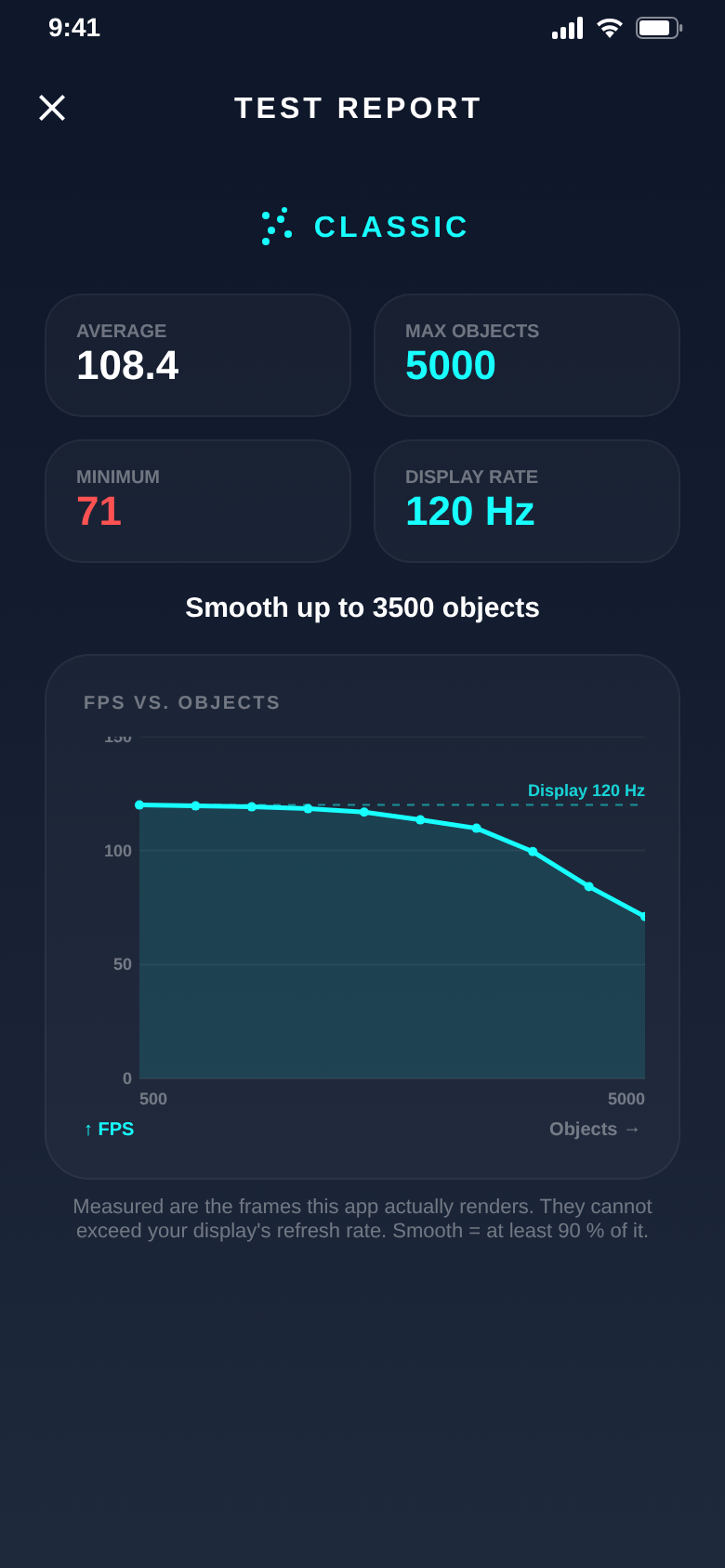
The test report draws your frame rate against the number of objects and tells you up to how many objects your phone stays smooth.
The scale adapts to your display, from 60 to 144 Hz.
The difference
Numbers instead of gut feeling.
- Guessing whether 120 Hz is really activeThe gauge shows 60, 90 or 120 at a glance
- Feeling stutter without seeing itThe live history shows every drop
- One average that hides the dipsAverage, min, max and jitter side by side
- An idle phone says little about loadGPU stress test with thousands of particles
- Noting results from memoryA test report after every benchmark
More under the hood.
Three test scenes
Classic, Swarm (shake your phone) and Gravity with collisions (Pro).
Jitter in milliseconds
The stability tile shows how evenly your frames arrive.
Load on a slider
Raise the stress test step by step, from 100 objects upwards.
Colour gauge
The arc runs from orange to cyan, so you read the result at a glance.
No account, offline
No sign-up. The measurement runs entirely on your device.
Ad-free with Pro
Removes ads and unlocks the Gravity scene and 30,000 objects. As a subscription or one-time purchase.
Quick questions.
Who is FPS Tachometer for?
What does FPS Tachometer cost?
How does FPS Tachometer make money?
How does the app measure the frame rate?
Does it show my display’s refresh rate?
Can it measure the FPS of games or other apps?
Do I need an account?
Which devices are supported?
Get FPS Tachometer.
Open the app, read the gauge. Done.
Free for Android.